

Industrial VR visualization
The change was understood before a single machine moved.
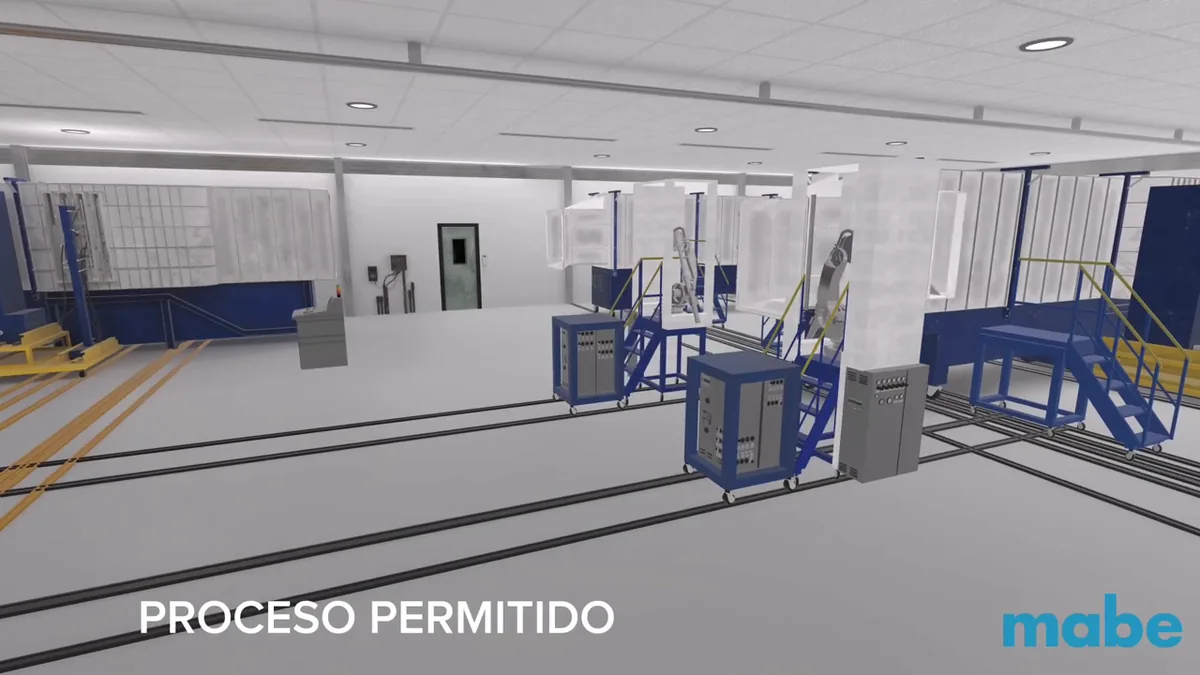
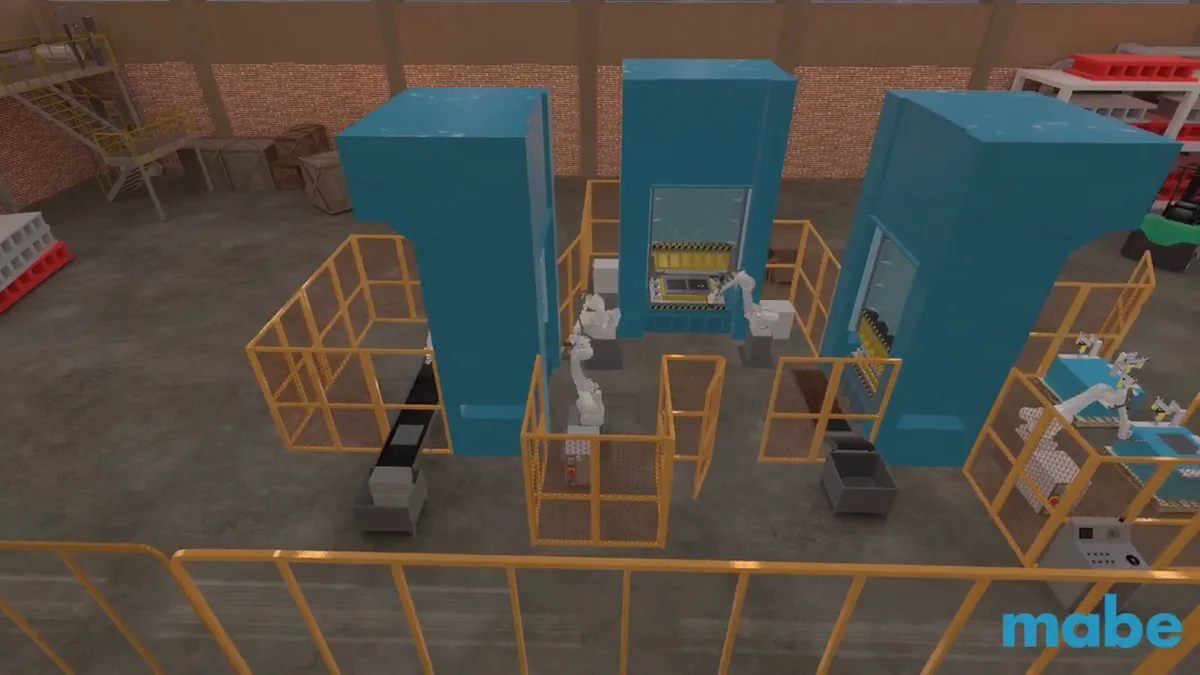
In 2023, Mabe's automation team was about to modify its paint booth and install a press area operated by a robotic arm. Fyware recreated both areas in virtual reality, with the machine movements animated, so the project could be explained by walking it.
- Industry
- Appliance manufacturer
- Use case
- Visualization of planned plant changes
- Technology
- Meta Quest 2, iPad and VR video
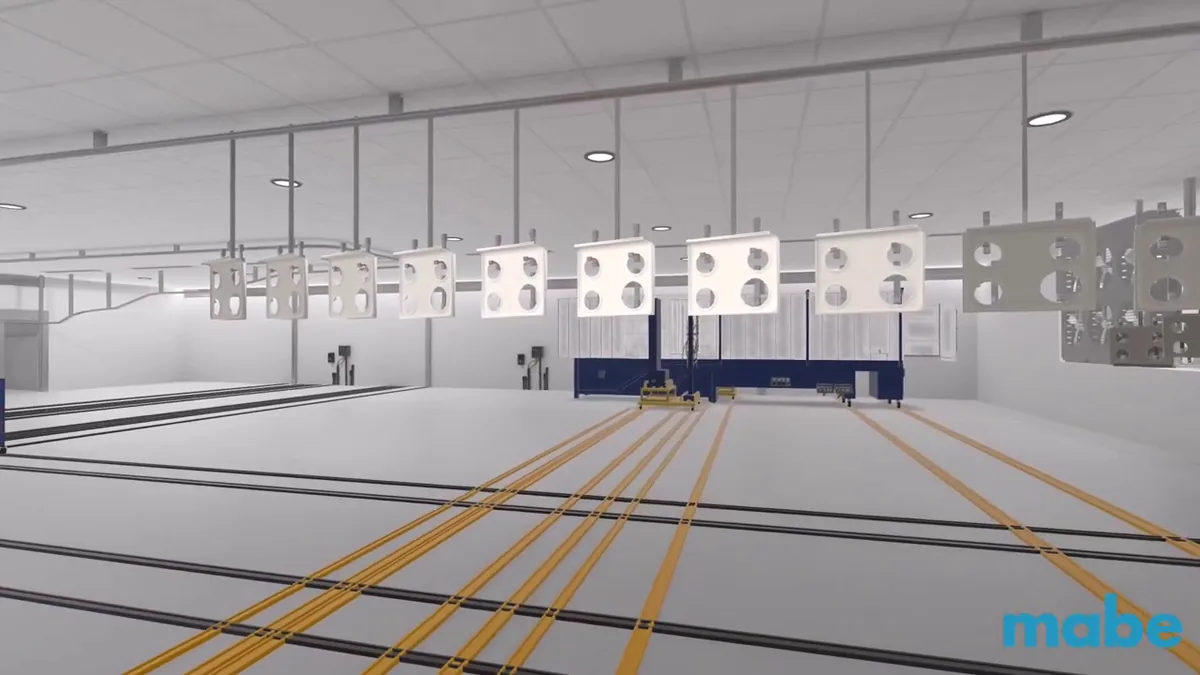
Mabe's automation team, part of the global appliance manufacturer, hired Fyware in 2023 to represent in virtual reality two changes it planned to install on the plant floor: a modification to a rail-mounted paint booth and a new press area operated by a robotic arm. Fyware modeled both areas from the client's drawings, models and photographs, animated the machine movements and delivered the simulation on a Meta Quest 2 headset, an iPad and VR video, with two rail operation scenarios: movement allowed and movement blocked, each with its on-screen alert.
The figures and where they come from: the two recreated areas, the two rail scenarios and the three weeks of development come from the project quote, dated March 2023, and the blocking mechanic is visible in the videos on this page. The outcome the client reported: their internal team understood the layout of the machine movements more easily before installing them.
How it came together
An automation project that was reviewed by walking it
The challenge
The changes were already decided: modify the paint booth and add a press area with a robotic arm. The hard part was explaining them. On a drawing, the rule that a booth cannot move while the rail is occupied is a footnote; on the floor, it is the difference between operating and colliding.
The idea, which is Mabe's
The automation team wanted to see the changes in virtual reality, as animation and as video, before installing anything: stand inside the future area, press the button that moves the booth, and watch what happens when the rail is free and what happens when it is not.
What we built
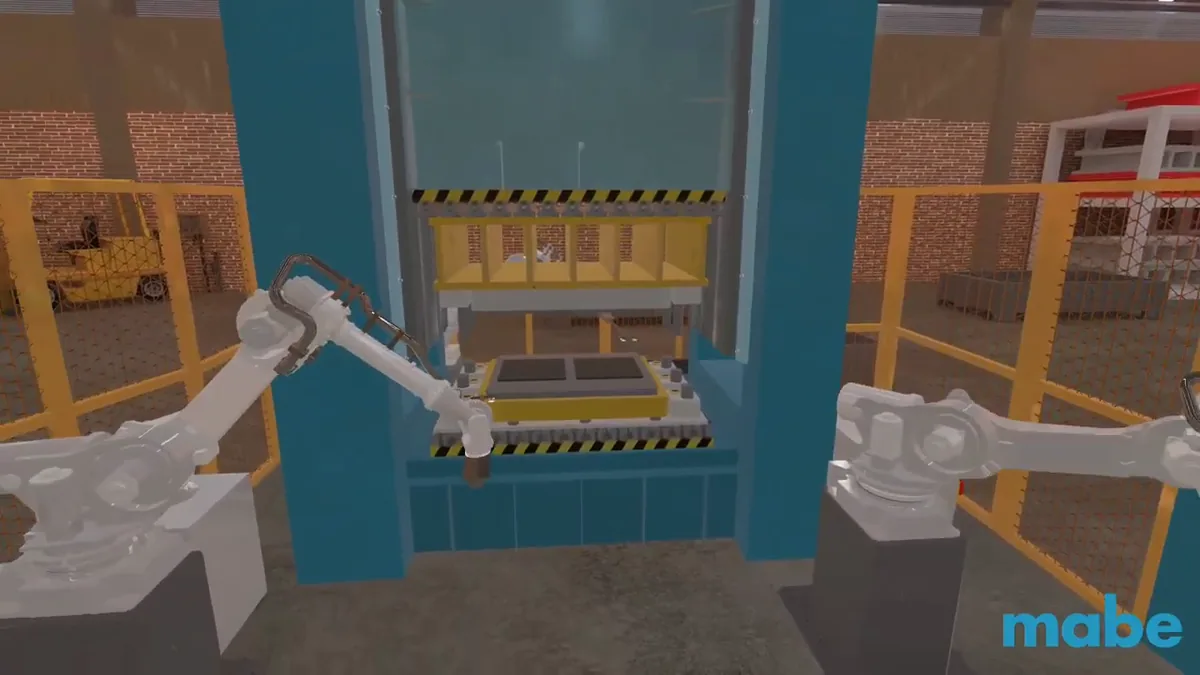
The recreation of the paint booth with its robotic arm painting parts, the rail system with its two scenarios and its blocking alert, the recreation of the press area, and delivery on Meta Quest 2, iPad and VR video with blocked movements highlighted in red.
How do you review a line change that does not exist yet?
An automation project gets approved over drawings, renders and slide decks, and the first thing lost there is precisely the layout of the movements. What moves, where it goes, what blocks it and how much space it needs. It is the same problem this site documents in the industrial robot digital twin: the equipment is not on the floor yet, and there are already decisions that depend on watching it move.
In the booth simulation, the user stands to one side and picks one of two scenarios: movement capacity allowed or not allowed. Inside, a virtual move-booth button appears: press it and the robotic arms stop and the booth travels back along its rail. If the rail is occupied, the simulation refuses and shows the alert that explains the block, because the rule that keeps booths from colliding is demonstrated inside the experience instead of being described in a meeting.
For anyone reviewing without a headset, the same mechanic exists as VR video: both scenarios, with the blocked movements highlighted in red. And the press area was recreated for what the client needed from it: the sense of space and the operating envelope of the robotic arms. The arms do not reproduce the full, real cycle of the process; they run a similar simulation meant for understanding the space, and this page says so because that is how it was quoted.
The second area
The delivered product
Four frames from the simulation: both areas and the scenario mechanic.
“An agile, committed and technically advanced team. They exceeded our expectations.”
Project sheet
- Client
- Mabe · automation team
- Year
- 2023
- Areas
- Rail-mounted paint booth · press area with a robotic arm
- Scenarios
- Movement allowed and blocked, with an occupied-rail alert
- Delivery
- Meta Quest 2 · iPad · VR video with blocks highlighted in red
- Source material
- Drawings, 3D models and photographs provided by the client
- Development
- 3 weeks for both areas, per the quote
- Since then
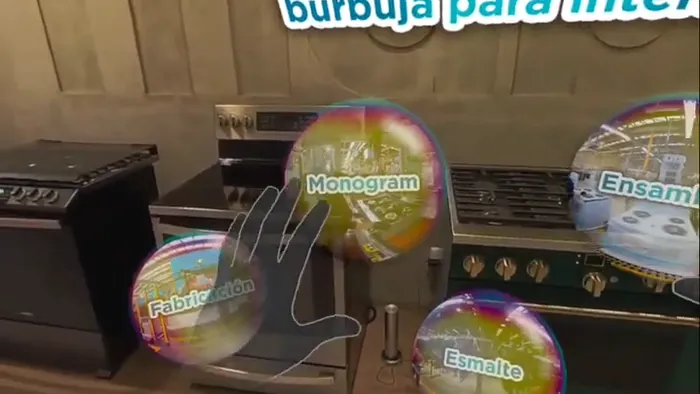
- In 2024, Mabe's plant returned to a Fyware project as the end client of the interactive 360 induction video
What makes it work
Four decisions worth repeating
- Both scenarios live in the same simulation: the safety rule is demonstrated by pressing a button.
- The blocking alert appears inside the experience, the same way it will appear in real operation.
- The VR video with red highlights brings the review to whoever never puts on the headset.
- Modeling starts from the client's drawings and models: the review is only as useful as the recreation is faithful.
The process, the layout and the operating rules belong to Mabe's automation team, who defined what had to be seen and how every machine had to behave. Fyware built the recreation and the animations to that specification.
Frequently asked questions
How do I show my team a plant change that has not been installed yet?
By recreating the area in virtual reality with its machine movements animated. In this project, Mabe's automation team needed to communicate two changes: a modification to a rail-mounted paint booth and a new press area operated by a robotic arm. Fyware modeled both areas and animated the movements, and the project was reviewed by walking it in a headset and on video. The client reported that their internal team understood the layout of the machine movements more easily before installing them.
What material is needed to recreate a plant area in virtual reality?
2D drawings, 3D models in formats like .skp or .fbx, photographs and renders of the area and the equipment. Anything without a 3D model can be modeled from images and drawings. Development time starts counting once the material is complete, so gathering it before kickoff is what protects the delivery date.
How long does an industrial VR visualization take?
In this project, three weeks of development for the two areas: one and a half for the paint booth and one and a half for the press area, per the project quote. Scope sets the timeline, mostly how many machines are modeled and how many movements are animated, and it is calculated per independent area.
Can the simulation include the process's safety rules?
Yes, and in this case that was the point. The simulation has two scenarios: movement allowed and movement blocked. The user presses a virtual button to move the booth; if the rail is occupied, the simulation refuses and shows an alert, which is the rule that keeps booths from colliding in real operation. In the video version, blocked movements are highlighted in red for anyone reviewing without a headset.
 Tom Klukowski
Fyware Partner · Valcre Marketing
Want a result like this in your operation?
Fyware has delivered 750+ XR projects for clients like Gerdau Corsa, Cummins and Medverse, from Mexico in US Central Time. Tell us your case and we will tell you what is feasible, how long it takes and what it costs.
We recreate the area in virtual reality with its movements and its operating rules, so your team understands it before anything is installed.
See immersive visualization See industrial training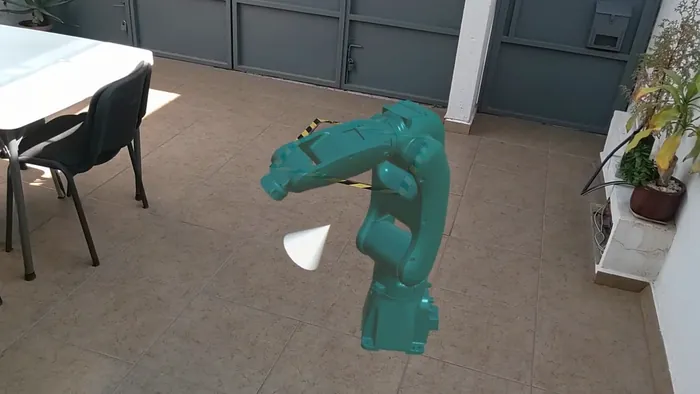 Industrial robot digital twin
 Interactive architectural visualization
 Interactive 360 video for induction